
Remote device management solutions for businesses: a complete guide

According to research from Intuition, a leading global knowledge solutions company, 83% of nearly 10,000 workers desire a permanent hybrid work model. This shift means company laptops and phones, loaded with sensitive internal data, are constantly on the move outside the traditional office. Furthermore, statistics show that only 12% of employees feel their company handles onboarding well. A major reason is that the average onboarding involves about 50 administrative steps, with IT setup alone accounting for 20 or more.
Sending a laptop to a remote worker, ensuring they have the right software on day one, and securing company data if that device is lost or stolen has become a massive headache for human resources and managers.
This is where remote device management solutions for businesses step in to solve the problem.
What is remote device management?
Remote Device Management (RDM) is the practice of monitoring, configuring, and securing company devices from a central location. It allows IT administrators to deploy devices, troubleshoot problems, manage applications, and block unauthorized data access remotely.

RDM vs MDM: what is the difference?
While the names are similar and often used interchangeably, these two terms are not synonyms.
RDM (Remote Device Management) is the broad umbrella term for the entire practice, strategy, and logistics of managing devices from afar.
MDM (Mobile Device Management) is the specific software suite that makes this remote control possible.
In short, RDM is the overall system, and MDM is arguably the most important tool within that suite used to execute security policies and monitor devices.
How to set up remote device management
Setting up an effective remote management system requires a combination of the right software tools. A robust setup includes the following core components:
MDM or Unified Endpoint Management (UEM) software: This is the foundation. It enforces security policies, manages apps, configures devices, and crucially, allows administrators to lock or wipe a device remotely if it is lost or stolen.
Remote access tools: These features allow administrators to view and control a device from anywhere to provide troubleshooting and technical support for remote employees.
Endpoint security: The system must be able to automatically deploy antivirus and malware updates across all devices to prevent cyber threats.
Device monitoring: Administrators need the capability to check device and network performance from anywhere to identify issues slowing down the systems.

The benefits for businesses
Implementing these solutions eliminates manual IT tasks and protects digital assets. It simplifies the onboarding process by allowing "zero-touch deployment," meaning devices can be pre-configured with the necessary software before they even reach the new employee. It also secures data; if a laptop is left on public transport, administrators can instantly wipe the corporate data to prevent security breaches.
IPSIP’s Mobile Device Management (MDM) solution
For businesses looking for a professional and streamlined service in Vietnam, the Microsoft Intune platform deployed by IPSIP is a highly effective choice. It is particularly beneficial for companies adopting a Bring Your Own Device (BYOD) model.
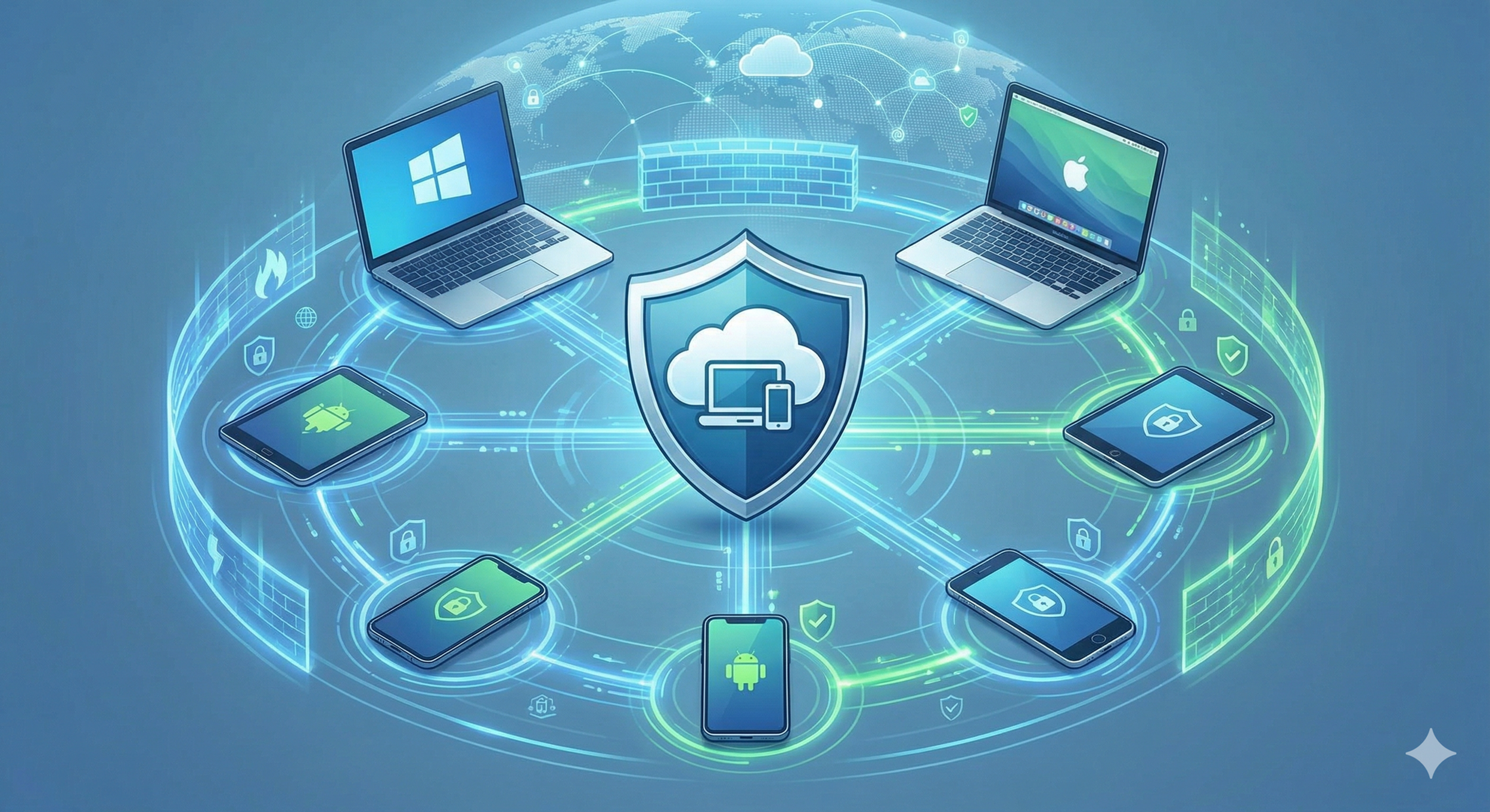
The solution focuses on simplifying IT operations while strictly respecting employee privacy. Key features include:
MDM (Mobile Device Management): Ensures devices comply with organizational security policies, tracks software distribution, and can remotely wipe company data if a device is lost.
MAM (Mobile Application Management): Instead of controlling the whole device, this feature controls at the application level. Utilizing a "Multi-identity by Policy" approach, it creates a secure, separate workspace for corporate data on personal devices. If an employee leaves, the company only wipes the corporate workspace, leaving personal photos and messages completely untouched.
24/7 IT Support & Operations: IPSIP provides continuous expert support through its IT Support, NOC, and SOC services. This acts as an outsourced IT department to troubleshoot errors, maintain systems, and proactively monitor network security around the clock without the need to build a costly internal technical room.
Frequently Asked Questions (FAQ)
Does remote management software track personal information?
No. When using standard solutions like Microsoft Intune deployed by IPSIP on personal devices (BYOD), data separation policies are strictly enforced. Personal data, such as private messages or photos, is never accessed, monitored, or invaded.
Do small businesses really need remote device management?
Yes. Any company with remote workers or corporate data stored on laptops and mobile phones faces the risk of data leaks. A proper solution automates device setup and prevents costly data breaches without needing a large in-house IT team.
How long does it take to deploy?
Modern MDM solutions are cloud-based, allowing for rapid deployment. With zero-touch deployment features, devices can be configured remotely and shipped directly to employees, ready to use out of the box in a very short time.
----------------
References:




Comments